How do I batch convert multiple NSF files to PST for large-scale migration?

If you're looking to migrate data from multiple NSF files, manually converting one file at a time can be time-consuming. The eSoftTools NSF to PST Converter Software offers a batch conversion feature, which allows you to add and convert several NSF files simultaneously. This is especially helpful for IT admins handling enterprise migrations or consultants working on client projects. You can select multiple files or even an entire folder containing NSF files and export them into PST format in one go, saving both time and effort. The output PST files can be saved separately or merged depending on your needs.
Read More - Batch convert multiple NSF files to PST
Comments
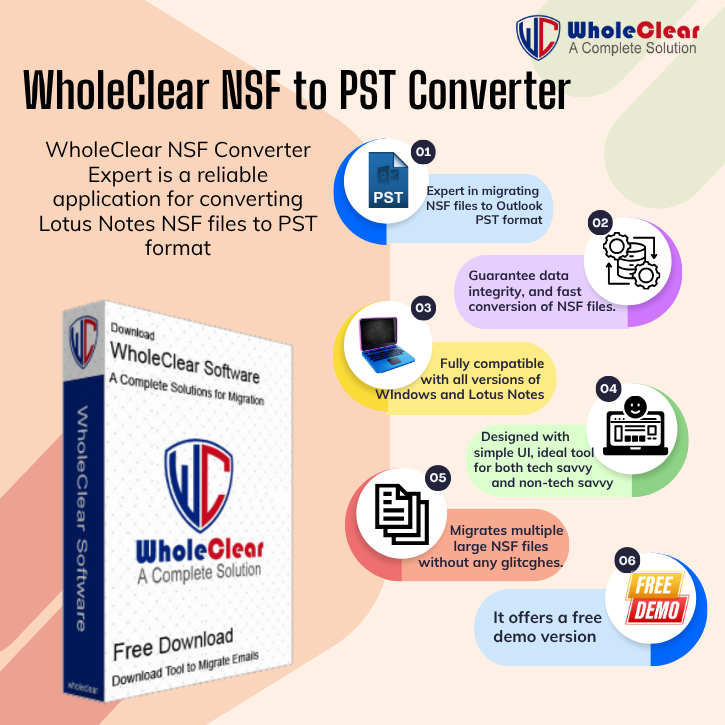
To batch convert multiple NSF files to PST for large-scale migration, use a professional WholeClear NSF to PST Converter tool. These applications can help with bulk migration while keeping the folder structure, email attributes, and attachments. Just add a bunch of NSF files, choose PST as the output format, and export. This method guarantees that the data will be correct, fast, and safe during migration. Having a straightforward interface ensures it can work with all Windows OS versions. Users can easily download its free demo version.
To convert several NSF files to PST for large-scale migration, use a tool like Shoviv Lotus Notes to Outlook Converter. This software quickly and accurately handles bulk NSF to PST conversions. Just add multiple NSF files to the tool, preview the mailbox items, and select PST as the export format. The software keeps the folder structure, retains email metadata, and allows selective conversion using filters. It also lets you split large PST files for easier management. Compatible with all versions of IBM Lotus Notes and MS Outlook, it works well for enterprise email migration projects.