Without installing Lotus Notes, how can I convert NSF to PST?

As an IT administrator, I often get requests to help users convert NSF files to PST, especially during email platform migrations. Recently, I used eSoftTools NSF to PST Converter Software because it doesn’t require Lotus Notes to be installed. That makes the process so much easier, especially when working on systems where Notes was previously uninstalled.
What I like about the tool is that it keeps all data secure and unaltered. It exports everything—emails, contacts, calendars, journals—into PST files you can easily open in any Outlook version. It’s reliable, offers advanced filtering, and works well even with larger NSF files. This tool is a must-have in your migration toolkit.
Comments
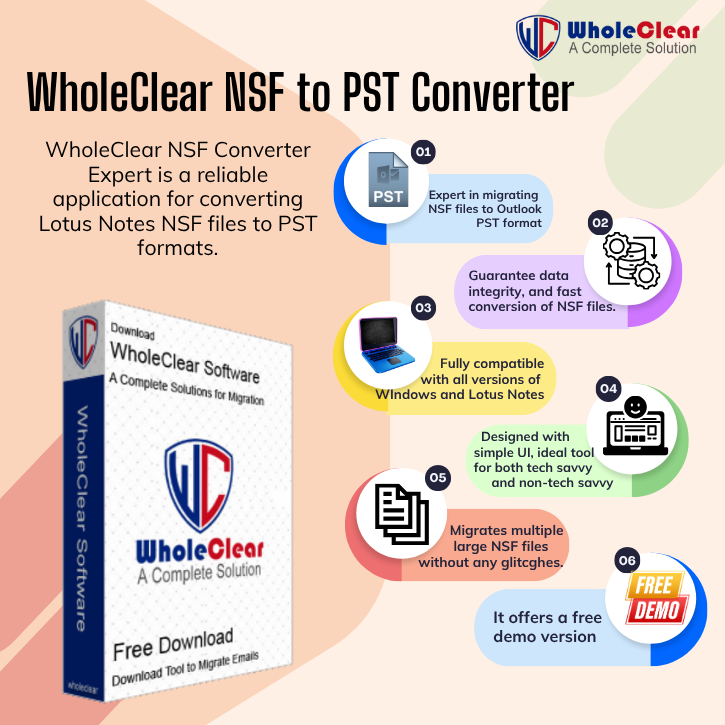
If you're seeking a solution to convert NSF files to PST files without Lotus Notes, then try the WholeClear NSF to PST Converter solution, which is the most trustworthy one. With this software, you can export NSF files in the Outlook PST file format. Users can convert NSF files to the Outlook PST format without extra software. Along with other things, It can be used to convert NSF emails, attachments, tasks, journals, notes, events, and more into the Outlook PST file format. Without any technological expertise, NSF files can be transformed into PST files. It also offers a free trial pack to all users to explore how it works.
There is no way to convert NSF files to PST format without installing Lotus Notes. It is necessary to have Lotus Notes on your system. To convert NSF files to PST, you can try manual or automated method, where manual method is so time consung and not effective. Automated solution takes no time, and delivers accurate and secure results. You can try a straightforward NSF to PST Converter application to simplify NSF to PST file migration. It is workable on alll Windows OS versions. Here is a free demo version also.